Give people a reason
to choose you.
Use the analysis to identify the attributes that set your business apart—and make those reasons clearer on your most important pages.


Turn a webpage into brand insights, content opportunities, and a clearer plan to attract the customers you want.
Discover what makes your business distinctive. Find gaps in your messaging. Then move from insight to keyword research, content planning, and SEO/GEO action.
Watch how a webpage becomes an entity map—and a starting point for what to do next.
A better starting point for growth
Before you invest in more content, make sure it has a job to do.
Use the analysis to identify the attributes that set your business apart—and make those reasons clearer on your most important pages.
Connect topics to the services, products, and audiences that matter to your business, instead of publishing another disconnected article.
Carry that context into page copy, product descriptions, and promotional content that helps potential customers understand your offer.
01 / Start with a webpage
You do not need a finished strategy to begin. Bring the page you want to understand, then use the analysis to shape your next decision.
Enter the URL, select a language, and optionally add your brand name.
Select a mode and choose Ignite to generate your insights record.
Review the key entities and enter the Insight Details Hub to explore further.

02 / Understand the connections
The Insight Details Hub connects your page to its key entities: the attributes, offerings, and topics surfaced by the analysis. Explore the whole picture, then focus on the opportunities most relevant to your business.
Look for the services, qualities, and experiences your content should communicate more clearly.
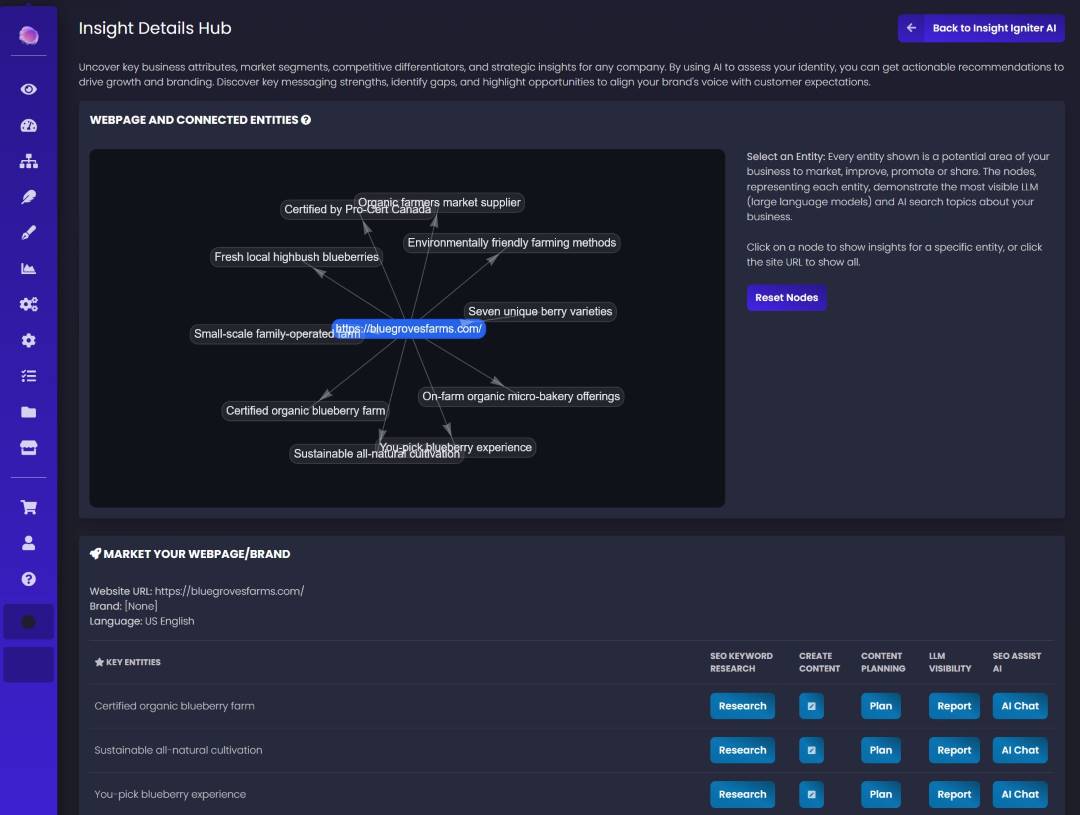
Select a node to narrow your view. Return to the webpage URL to explore the full set of connected entities.
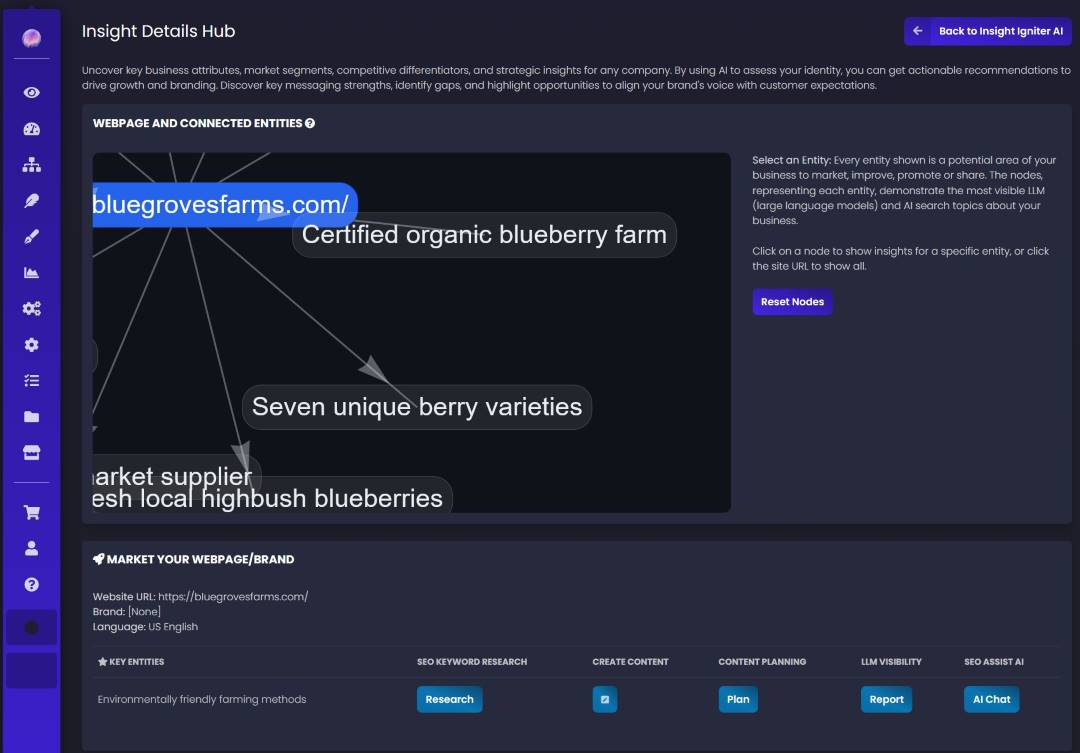
Ask: Does this reflect what we sell, who we serve, and why a customer should choose us? Use the answer to guide your next improvement.
03 / Choose your next move
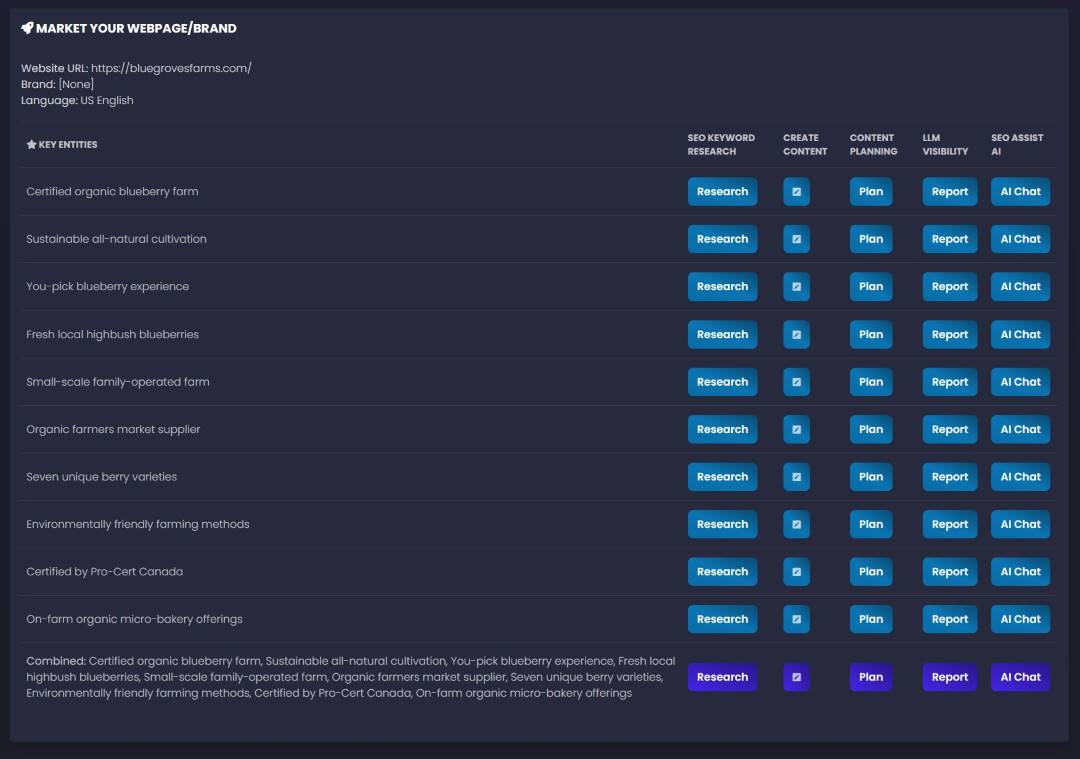
Turn a relevant entity into a practical next step through connected SV workflows. Keep your research and content decisions tied to the opportunity you found.
You choose the action. You decide what to implement.
04 / Put the insight in front of customers
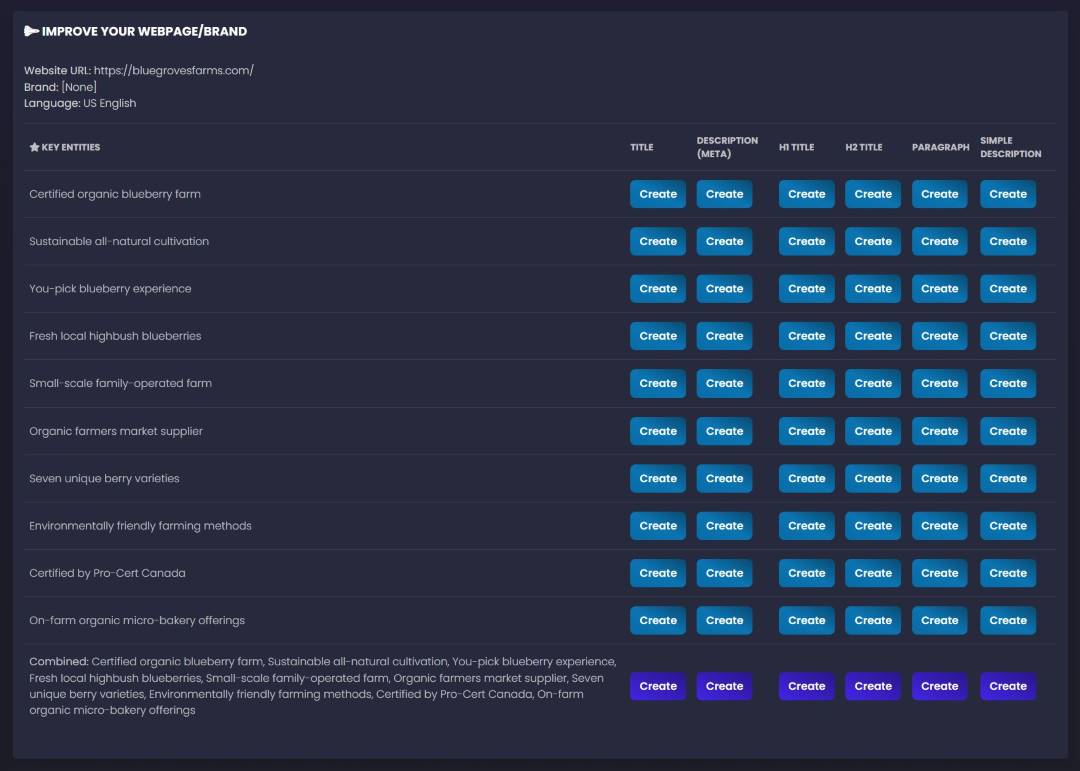
Use what you learn about your brand to improve the messages people see before they click, while they compare, and when they are ready to inquire.
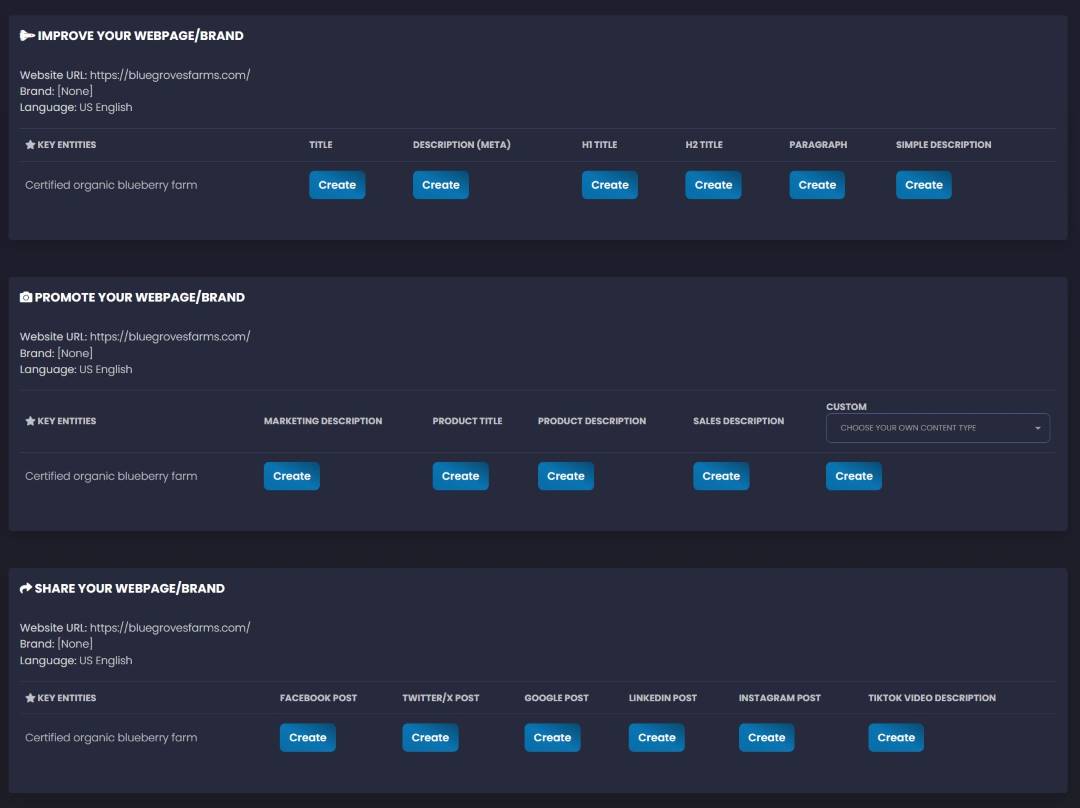
Start titles, meta descriptions, headings, and paragraphs from a relevant entity. Review the wording for accuracy, intent, and a clear connection to your offer.
Use the same business context for product descriptions, sales copy, marketing descriptions, and social posts—so your next campaign starts from a coherent idea.
Start with an insight. Build the message. Give it a clear next step.
Create Your Free AccountFor businesses, agencies & marketing teams
Analyze multiple websites and keep each brand’s insights separate. Use the findings to make discovery, planning, and recommendations more specific.
Build a discovery conversation around the client’s actual business attributes, messaging gaps, and content opportunities.
Use your own webpage to decide what deserves attention before committing more time to content and promotion.
Bring entity-based context into your content brief, campaign discussion, and next round of website improvements.
Frequently asked questions
What it does, how to start, and where your judgment comes in.
Insight Igniter AI is SV’s webpage and brand analysis tool. It identifies business attributes, key entities, market segments, differentiators, and messaging opportunities, then connects those insights to SEO and GEO workflows.
You can create a free SV account to get started with Insight Igniter AI. New users can sign up below; existing users can launch the tool directly. Review your dashboard for the availability of connected tools and workflows.
Enter a webpage URL and choose a language. You can also add a brand name for context. Select an insight mode and choose Ignite to generate an insights record, then open Insight Details to explore it.
Key entities are the businesses, attributes, concepts, and topics the analysis associates with a page. Use them to evaluate your positioning and decide what to cover in your content. The entity map is an AI analysis—not a direct view into a search engine’s private understanding of your brand.
Explore the entity map, focus on a topic, and choose a next step such as keyword research, content planning, content creation, AI/LLM visibility reporting, or SEO Assist AI chat. The interface also includes pathways for webpage copy, promotional descriptions, and social content.
Yes. Insight Igniter AI supports multiple websites and projects, with separate insights for each brand. Agencies, consultants, and in-house teams can use it to organize discovery and develop recommendations without mixing client context.
No. Insight Igniter AI generates insights and offers action paths. You decide which recommendations to use, review the content, and control what is implemented or published.
No. Use the insights to make better decisions about your targeting, content, and messaging. Lead generation and search performance still depend on implementation, demand, competition, your offer, and the experience on your website. Measure the effect of the changes you choose to make.
Your next move starts here
Discover the attributes, topics, and messaging opportunities you can build on. Start with the page you want to grow.
Free account to get started. Already registered? Launch the tool and sign in.