
SV SEO guidance inside ChatGPT

SEO Assist:
Custom GPT

Bring a URL.
Find your next SEO move.

Explore website issues, compare competing pages and turn on-page questions into a focused improvement plan with SV’s original SEO assistant for ChatGPT.

ChatGPT sign-in required. Access and usage limits depend on your account and the GPT’s availability.

Website analysisCompetitor researchOn-page guidance
SEO Assist / Original walkthrough
See the conversation become a plan.

The original product walkthrough. Screens and available features may differ from the current experience.

Watch directly on YouTube , opens in a new tab

From SEO questions to useful next steps

Know what to investigate.
Decide what to improve.

Start with an important page, its target keyword and the outcome you need. Use the findings to give your next round of SEO work a clearer focus.

01 / Website analysis + CORE AI

Put the page
in context.

Explore page performance, keyword use and content relevance. Ask which findings are supported by available data—and which need a closer check.

A useful next question“Which issues should I verify before changing this page?”

Explore SV’s CORE AI
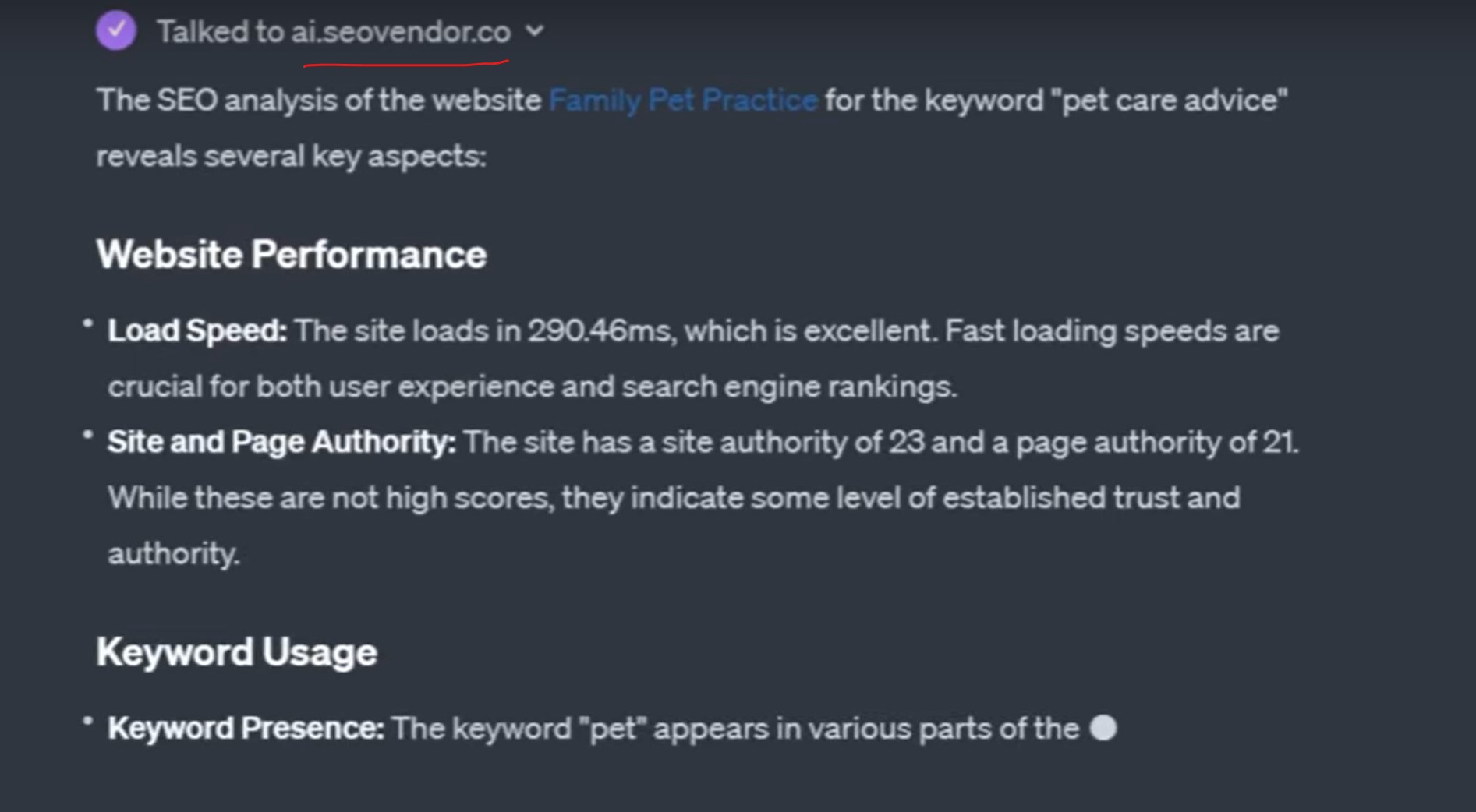
Original SEO Assist response showing page performance, authority metrics and keyword-use analysis.
Original CORE AI analysis example. Historical metrics, not a current site measurement. Full size , opens in a new tab

02 / Competitive benchmarking

Find the gap worth closing.

Compare a competing page’s focus, content coverage and technical signals. Turn the differences into questions for your own strategy—not a plan to copy another site.

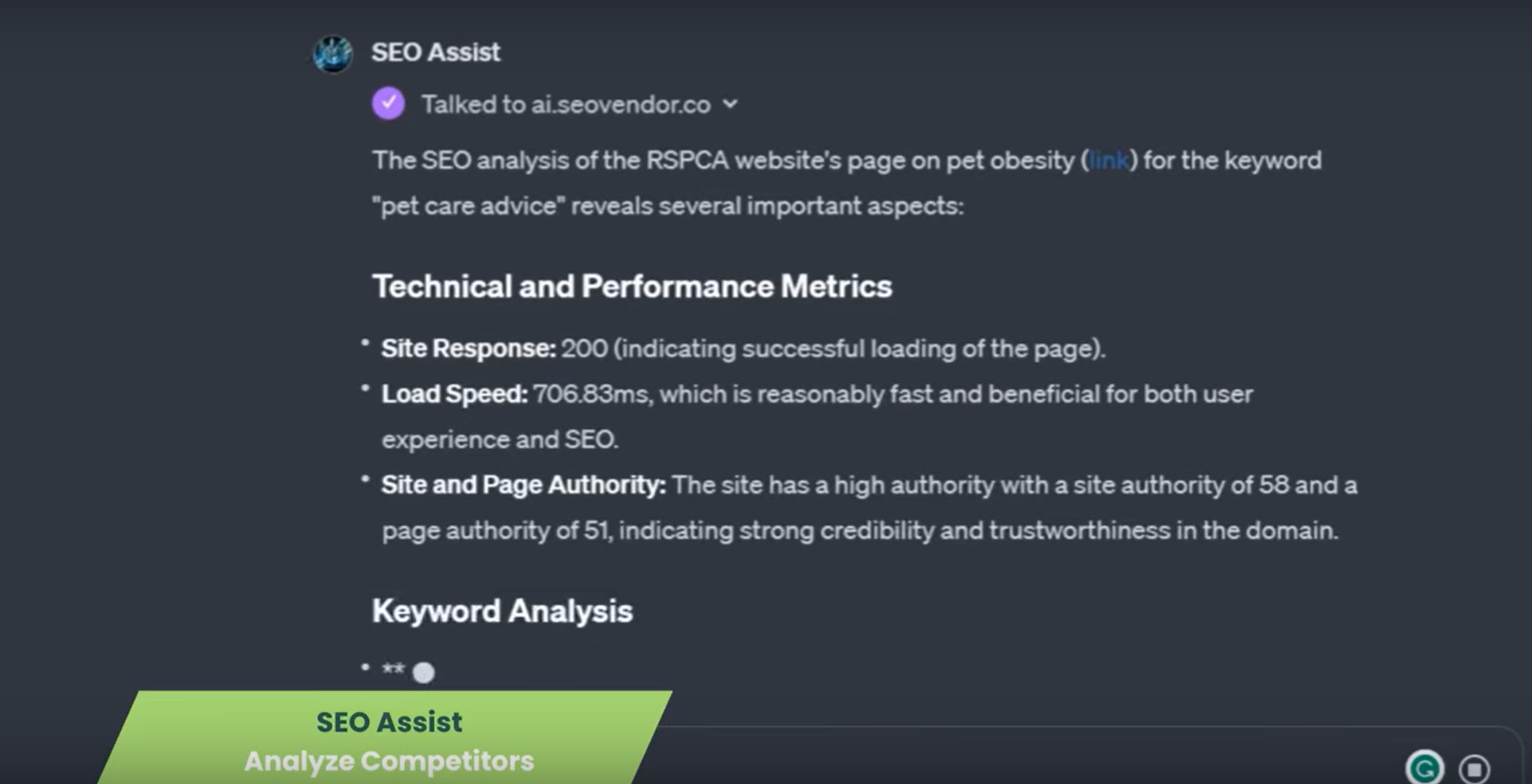
Original SEO Assist competitor review showing technical performance, authority and keyword analysis.
Original competitor-review example. Full size , opens in a new tab

03 / On-page SEO optimization

Give the next edit a purpose.

Work through titles, meta descriptions, headings and keyword relevance. Ask for specific improvements that make the page more useful to the people you want to reach.

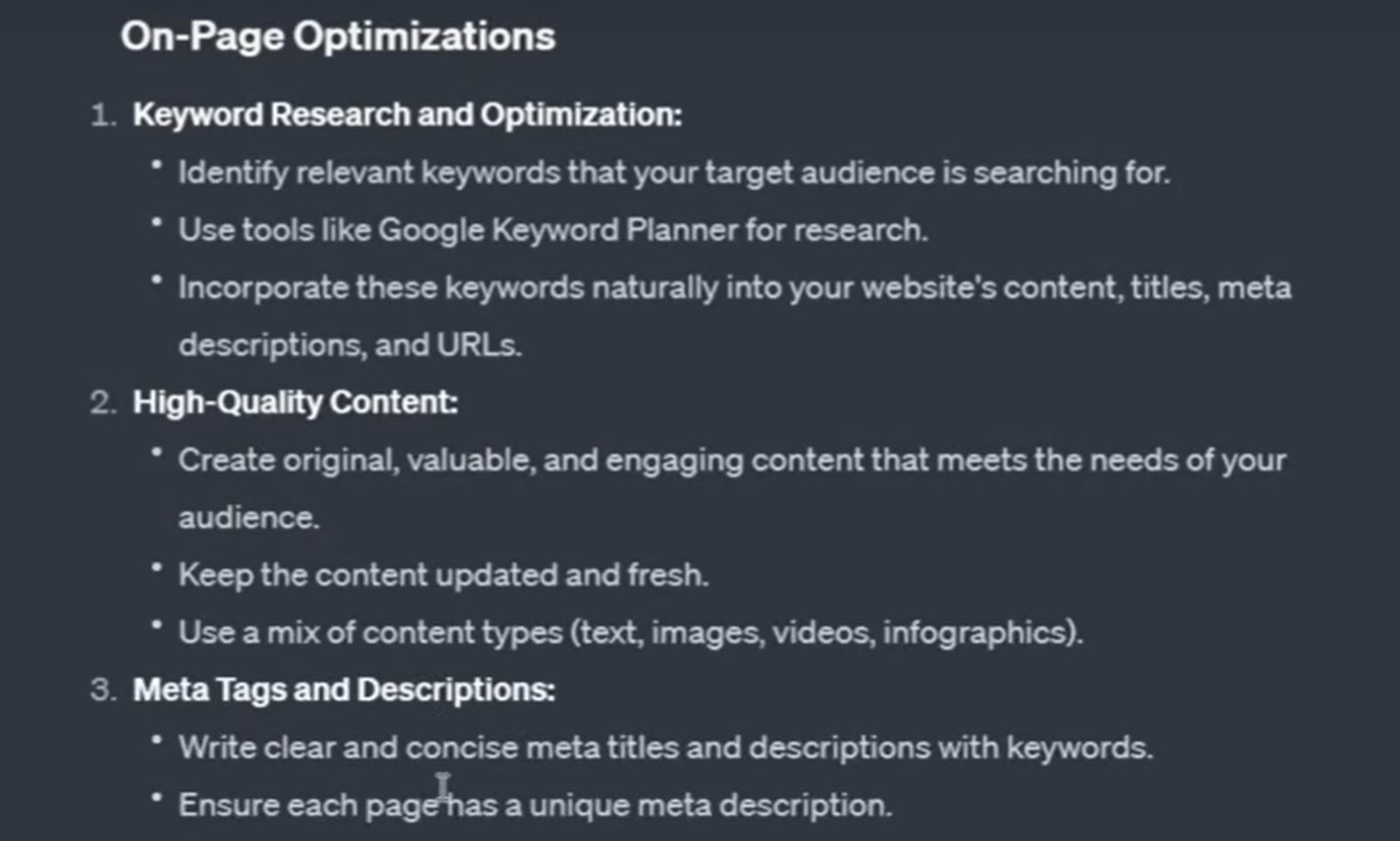
Original on-page SEO recommendations covering keyword research, useful content and metadata.
Original on-page recommendations. Full size , opens in a new tab

These preserved product examples show the original interface. Available data and tool access can change. Validate recommendations before implementation; an AI response is not a ranking guarantee.

How to use SEO Assist Custom GPT

Start with one page.
Ask one useful question.

No need to start with an entire SEO strategy. Bring enough context to make the first answer relevant.

  1. Open the GPT.

    Follow the ChatGPT link and sign in to an account that can access the assistant.

  2. Share your context.

    Provide the page URL, target topic, audience and goal. Add page text or verified data when needed.

  3. Choose the next action.

    Ask for priorities, verify the evidence and give your team a focused list of changes to review.

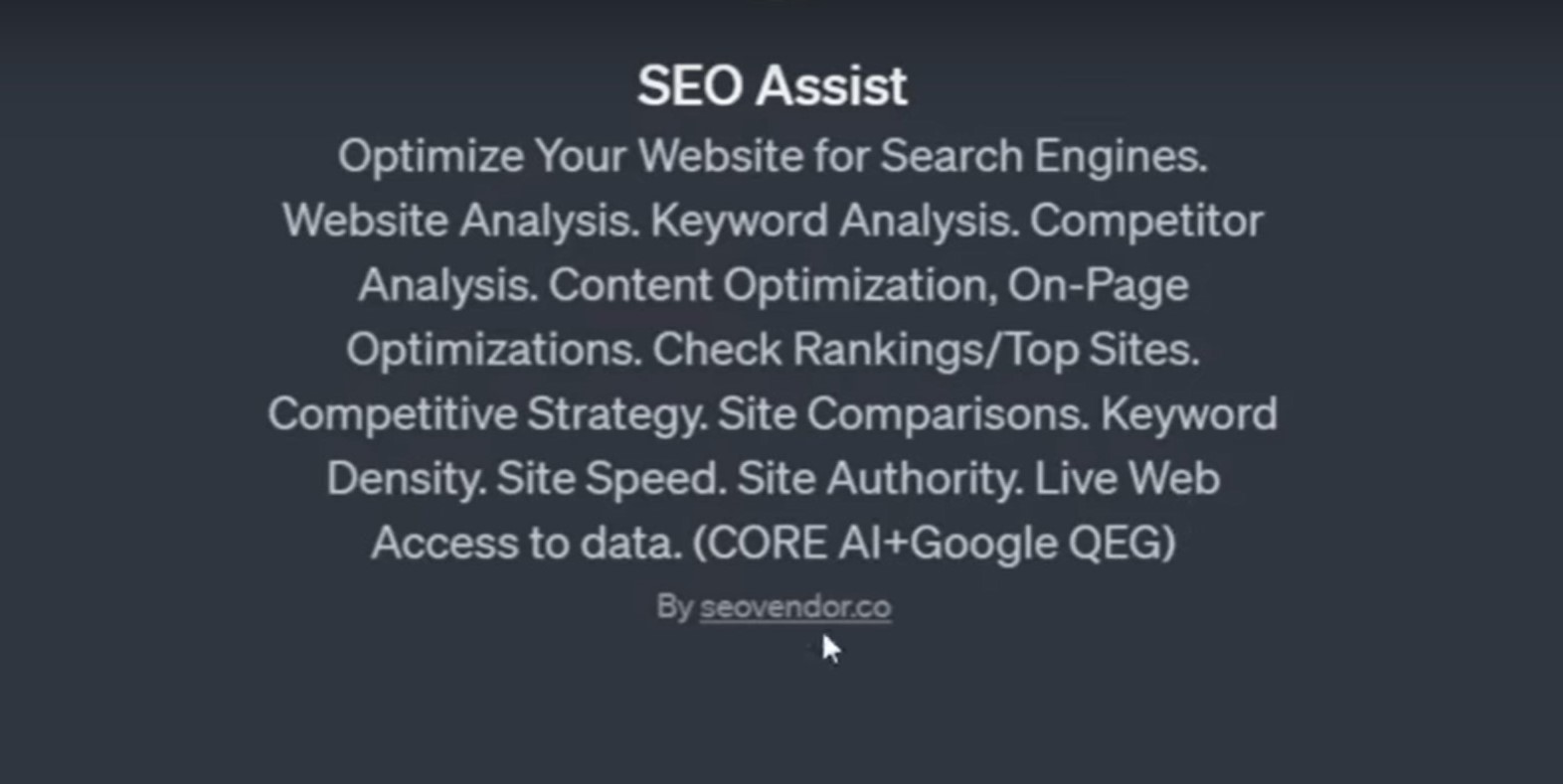
Original SEO Assist introduction listing website, keyword, competitor and content-analysis capabilities.
A starting point for your SEO strategy. The original GPT introduction. Full size , opens in a new tab
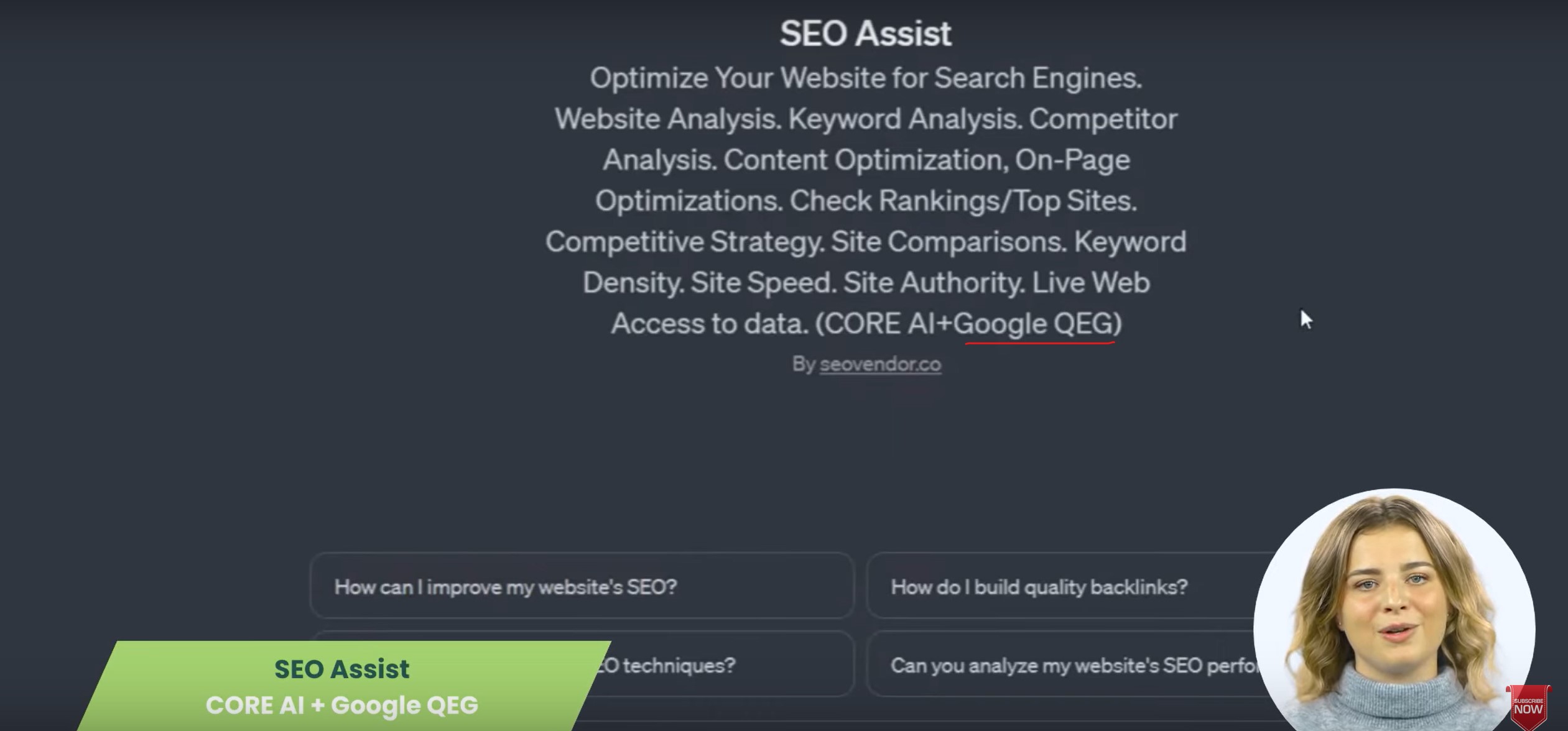
Original SEO Assist demonstration with conversation starters and a Google quality-guidelines reference.
Keep the conversation focused on usefulness. Original guidance demo; check current requirements separately. Full size , opens in a new tab

A better first conversation

Skip the blank prompt.

Open a starter, copy the text and replace the bracketed details. These are suggested prompts, not pre-generated findings.

Try a prompt in ChatGPT , opens in a new tab
Website reviewWhat should I improve first?
Review [page URL] for [target topic] and [audience]. My goal is [goal]. Identify the three most useful SEO improvements, explain the evidence for each and separate verified findings from assumptions. Tell me what extra data you need.
Competitor comparisonWhere is the meaningful gap?
Compare [my page URL] with [competitor page URL] for [keyword or topic]. Assess search intent, content coverage and on-page structure using the information you can access. Identify gaps worth investigating and flag anything you cannot verify.
On-page planningWhat should the next edit achieve?
Help improve [page URL or pasted page text] for [audience] searching for [topic]. Suggest a title, meta description and heading outline. Explain the intent behind each change and flag missing facts rather than inventing them.
Illustration of SEO Assist Agent on multiple screens within the SV platform.
SEO Assist Agent workflow illustration—not the Custom GPT interface.

The successor, on the SV platform

Keep the conversation.
Connect the workflow.

SEO Assist Agent brings conversations together with links to SV’s specialist SEO tools. Keep each website’s work in its own stream and move from a question to the tool that helps you take it further.

  • Separate conversation streams for sites and projects.
  • Connected audit, keyword, topic and mapping workflows.
  • A free SV account to start; advanced access varies by plan.

Already a member? Open SEO Assist Agent. Your team reviews and implements website changes.

Choose where you want to work

Custom GPT or SEO Assist Agent?

Inside ChatGPT

SEO Assist: Custom GPT

The original assistant for SEO conversations in ChatGPT. Use its existing link while your account can access it.

Uses your ChatGPT account. OpenAI’s availability, usage limits and retirement schedule apply.

Open the original GPT , opens in a new tab

Inside the SV platform

SEO Assist Agent

The successor for site-specific conversations and connected SV tools. A useful starting point for a new workflow.

Uses your SV account. Individual tool access and advanced features depend on your plan.

Discover the Agent

These are separate experiences. Moving to the SV platform does not automatically transfer your ChatGPT conversation history.

When you need a team behind the plan

Go beyond the conversation.

Choose managed SEO when you need campaign delivery, not just guidance. These are separate services—not features included with the Custom GPT.

S-SERIES

National SEO

Build a national foundation with priority issue resolution, Prose content with human editing and adaptive CORE optimization.

Compare National plans

SC-SERIES

National+ SEO

Add competitive intelligence, research-backed content and RankLens AI visibility for a more demanding national market.

Compare National+ plans

XC-SERIES

Local+ SEO

Coordinate location-focused SEO, Maps and citation work with local-market intelligence and AI visibility reporting.

Compare Local+ plans

M-SERIES

Enterprise SEO

Bring more technical, content and editorial capacity to a larger campaign, alongside RankLens and rapid CORE response.

Compare Enterprise plans

Before you begin

A clearer starting point.

Understand the account, the workflow and the role of the assistant before choosing your next step.

What is SEO Assist: Custom GPT?

SEO Assist: Custom GPT is SV’s original SEO-focused assistant inside ChatGPT. It supports conversations about website analysis, competitor comparisons, keywords, content and on-page optimization. It is distinct from SEO Assist Agent, which runs on the SV platform.

Do I need ChatGPT Plus or an SV account?

You need to sign in to ChatGPT to start a GPT conversation. OpenAI supports using existing GPTs on its Free tier as well as paid plans, subject to account permissions, availability and usage limits. An SV account is the route to SEO Assist Agent and the SV platform; it is not a replacement for ChatGPT sign-in. Check OpenAI’s current access guidance, opens in a new tab.

Is OpenAI retiring custom GPTs?

As of September 26, 2026, OpenAI schedules custom GPT retirement for December 11, 2026, with exceptions for qualifying workspaces. Follow the notice for the account or workspace where the GPT was created. Existing GPTs remain usable until the applicable retirement date, subject to access permissions. Read OpenAI’s current retirement notice, opens in a new tab.

SV’s SEO Assist Agent is a separate platform option. It is not an automatic migration of the GPT or its conversations.

What should I provide for a useful review?

Start with a public page URL, the target topic or keyword, the intended audience and your goal. When a page cannot be accessed, provide relevant page text, screenshots or measurements you are permitted to share. Ask the assistant to identify missing data rather than treat assumptions as facts.

Does it change my website or guarantee rankings?

This is an analysis and guidance workflow, not an automatic website editor. Review recommendations with your team before making changes, and measure the results in your own reporting. The Custom GPT does not include managed campaign implementation or guarantee rankings, traffic or leads.

What happens when the GPT uses an external service?

Relevant parts of your input may be sent to an external service when a GPT uses a connected app or API. Review any approval request and share only information you are authorized to provide. Avoid passwords, credentials and unnecessary confidential data. Read OpenAI’s GPT privacy guidance, opens in a new tab.

Your next move starts with a question

Bring the page.
Choose your next step.

Continue with the original Custom GPT, or start a connected workflow with SEO Assist Agent on SV.

Start with a free SV account Open the original GPT in ChatGPT, opens in a new tab

SV tool access varies by plan. ChatGPT access is subject to OpenAI’s availability and account limits.