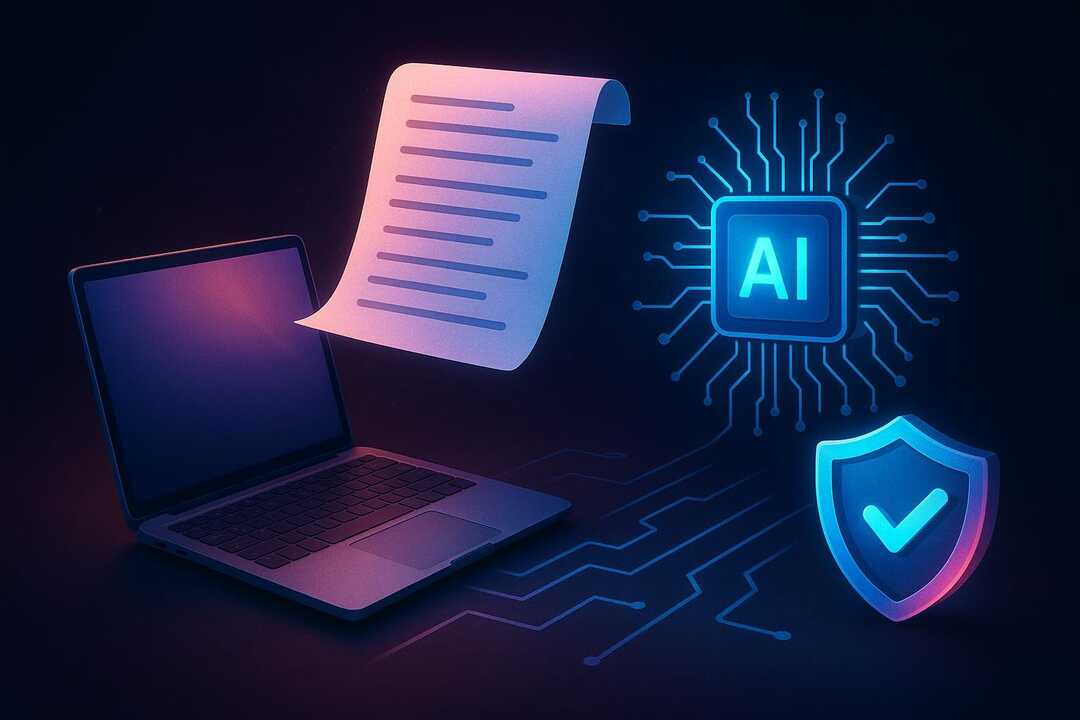
NotebookLM’s rebrand has renewed concerns about how much control publishers retain over their content online. Once a public file or link reaches an AI system, automated tools may extract text, map sensitive details, and reuse material beyond its original purpose.
Table of Contents
We help publishers reduce that exposure through practical safeguards, stronger privacy settings, and routine access checks. Even a small oversight can create meaningful risk, so limiting access early is essential before sensitive work spreads.
We begin by examining the content-extraction risks associated with Gemini and NotebookLM.
Risks from Gemini Notebook’s Automated Extraction
The scope is wider. Google’s Gemini Notebook can now read long source sets and turn what I find into neat files. In addition, MindStudio Team reports that it adds more than 100 skills. I can use that wider tool set to pull links from reports and tables before their owners give the material a full human review.
The risk is scale. With one prompt, I may sort facts past the uploader’s first task. As a result, I feel less drag. I now use Gemini Notebook auto pull to go past plain text.
How Your Published Content Becomes Vulnerable
That worry grows once published pages can be saved and used elsewhere.
- Reuse can outrank the source: Gemini Notebook can turn online material into new output without credit to its first source. That output may compete with the page I wrote, even when readers never visit my source.
- Public pages are easy targets: Any page that loads for visitors can also be read by bots. There’s no general rule that a crawler obey a text directive.
- Scale widens the exposure: One useful article can feed recaps, answers, and posts across separate search results. Readers may see their take first, so the work I put into it loses reach.
Legal Protections Against Unwanted Scraping
There’s a need to check rights before any file enters an AI workspace after the Gemini Notebook rebrand. Publisher terms can limit text and data mining even for open access articles, so it may go past a copyright check alone.
- Terms of use: We check each publisher’s text and data mining policy before I upload PDFs. The policy may change by their use, the type of user, or the goal.
- Legal review: We ask counsel to check deals past copyright risks. This helps my teams log yes before AI assisted screening starts.
- Access planning: We set fair rules for funded and low resource research teams. Clear tips help my staff follow licenses when institutional access isn’t there.
Adjusting Privacy Settings to Block Access
Privacy settings add another layer. We use them to limit who can open a notebook. After we look at our options, we set each notebook to private before we add source files or links. We then check sharing choices because one broad setting can give more people access than we meant.
As a result, small checks stop big leaks. The Gemini Notebook rebrand has made AI scrape risks feel more urgent for us. So we check access every 30 days. There’s no need to grant edit rights for review, so we use view access and revoke it after work ends.
Obscuring Sensitive Details Before Upload
Before we add a source, we should cut private bits so the file fits the question and drops off-topic personal info.
- Clean work copy: Remove names, email addrs, acct codes, and meet details before we save a clean work copy. It keeps the source on its topic, not on their private details.
- Narrow excerpt: I can paste only the key part instead of adding a full file with stray notes. For most research tasks, five to ten strong sources give me enough context.
- Hidden text check: I search comments, headers, footers, file names, and links for details that don’t support my question. There may be hidden notes, and they can join my source set unless I review each file.
Using Watermarks and Metadata for Ownership
Watermarks and metadata give us clear proof you can see and proof built in, and there’s a clear link to our first source. They make it clear.
- Visible marks: I place a light watermark near a key visual spot, using our name and a stable URL. I keep it easy to read at normal size, since heavy marks can hurt trust and reuse.
- File details: I add creator, copyright, contact, and source fields through the IPTC Photo Metadata Standard. These fields travel with many files, though some sites strip their data during uploads.
- Original records: I save a dated original beside the exported copy to back a clean ownership record. C2PA Content Credentials can log edits, yet we should keep our source files too.
Monitoring Content Exposure Over Time
Those ownership records guide us. Google has rebranded NotebookLM as Gemini Notebook, so I review where my text shows up and how often bots reuse it. These checks catch new copies. There’s no public index, so I review results and logs each week.
We log URLs, dates, excerpts, and 30 days of traffic because clear trends can show the full reach over time. As a result, our records stay useful. They help us find sources and check their repeat use. Then I limit new reach.
Our response begins with clear limits on content access. We cannot treat AI scraping lightly. A NotebookLM rebrand can draw fresh attention, which makes public files easier for bots to find and copy. That risk, in turn, calls for tight control.
We start by sorting public files from our private work. Then we restrict sharing links so only approved people can view sensitive source material within our workspaces and archives. Access must stay very limited.
We also check permissions after each big change. In practice, regular reviews catch exposed files before scraped copies can jump across systems, search results, training sets, and unknown archives. This work protects our voice.
As a result, we can share our work with more calm once these checks guide each choice to publish.