[email protected]
1-800-398-5212





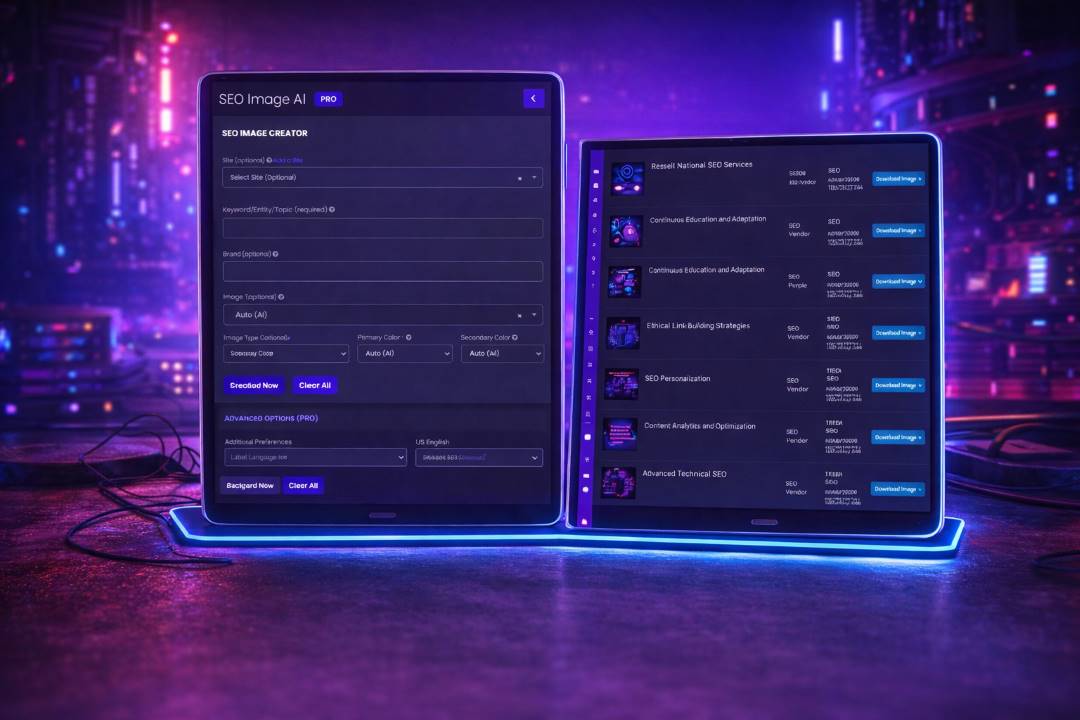
Enter a keyword/entity/topic and optionally add your website URL and brand.
Choose image type, theme, size, and colors—then click Create Now to generate.
Pick Image Type and Theme to match your campaign, niche, and creative goals.
Set Branding, Image Size and Primary/Secondary colors—or let AI choose automatically.


Every generation is saved with its type, theme, background, and colors for easy reuse.
Download any image in one click and keep production moving across campaigns.


Add additional preferences and background guidance to steer the look and feel.
Choose label language and location to create localized, audience-ready visuals.
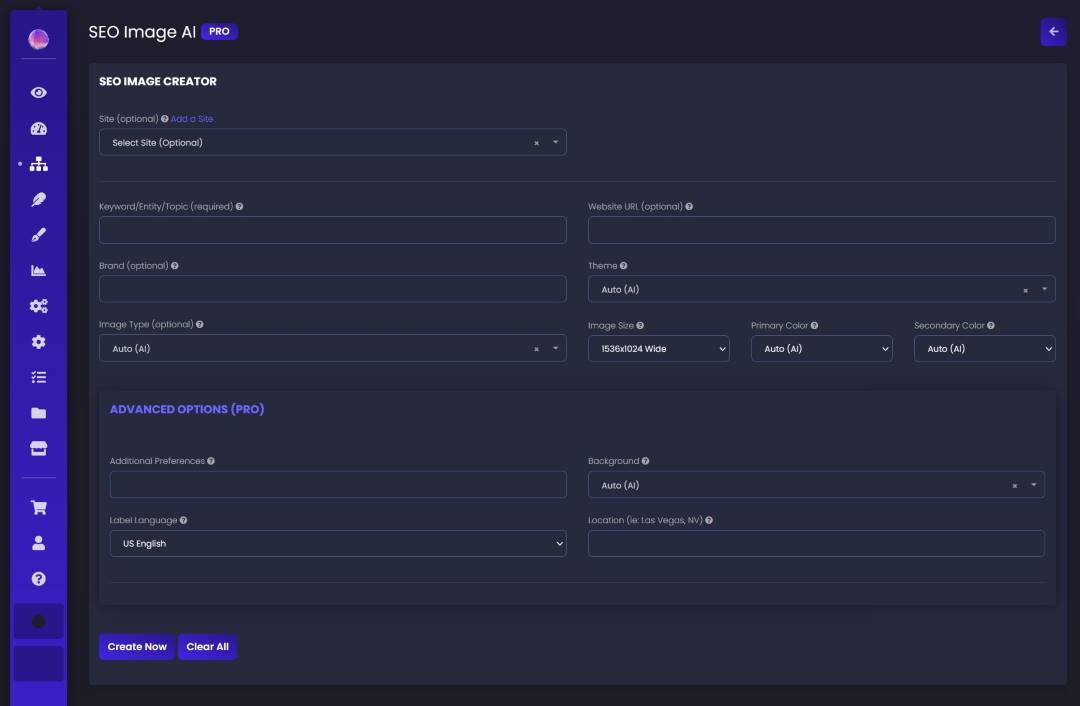

Start from a keyword/entity/topic so your visuals match real search intent.
Optionally include your website URL and brand for stronger context and consistency.
Create common sizes for web, social, ads, and decks—ready to publish.
Use your saved library to remake winners, create variations, and stay consistent.


Generate images for multiple sites and clients while keeping everything organized.
Perfect for agencies, consultants, and in-house teams that need fast creative without spreadsheets.
SEO Image AI is available inside the SEO Vendor platform. Create a FREE account to generate your first images and download them instantly.
SEO Image AI is an AI image creator that turns a keyword, topic, or URL into downloadable SEO-ready visuals—with control over style, size, and branding.
SEO Image AI creates marketing visuals for real SEO and content workflows.
Common examples include:
Hero banners and web hero images for landing pages.
Blog header images and social creatives.
Infographics, analytics banners, and other campaign assets.
SEO Image AI uses your inputs to generate images that fit your goal and brand:
Keyword / Entity / Topic – The main idea for your image (required).
Website URL – Optional context to better match your page and niche.
Brand + Colors – Optional inputs that help keep the style consistent.
Type, Theme & Size – Choose the asset format, look, and dimensions (plus Advanced Options when needed).
SEO Image AI lets you control the creative output without complicated design tools.
Choose an Image Type (hero banner, infographic, web hero image, and more).
Pick a Theme (or use Auto) to match your campaign style.
Set size and colors (or leave on Auto) so outputs stay on-brand and publish-ready.
SEO Image AI generates original images from your inputs and settings, not by scraping anything private or copying protected assets. Use realistic prompts and review outputs before publishing. See best practices.
Uses structured settings (type, theme, size, colors) to guide consistent output.
Lets you iterate quickly with variations instead of relying on a single output.
Keeps your generated images organized in a downloadable library.
For the most on-brand, high-converting images:
Be specific with your keyword/topic and use Brand when consistency matters.
Try a few themes and sizes to match where the image will be used (web vs social).
Use Advanced Options when you need tighter control over background and styling.
SEO Image AI is designed for:
SEO & digital marketing agencies producing creative for many clients.
In-house marketing teams that need fast, consistent campaign visuals.
Founders and marketers who want great visuals without design bottlenecks.
SEO Image AI helps agencies move faster and stay consistent:
Produce hero images, banners, and campaign creative in minutes instead of days.
Keep brand style consistent across clients using themes and color controls.
Download assets instantly and plug them into pages, posts, ads, and decks.
Getting started is intentionally simple:
Optionally select a project/site (or leave it blank for quick one-offs).
Enter your keyword/entity/topic, and optionally add website URL and brand.
Choose type/theme/size/colors, click Create Now, then download from your image list.
Yes—SEO Image AI includes a free sign-up to get started, with optional PRO features depending on your plan.
Core image creation so you can generate and download SEO visuals quickly.
Saved image library so your outputs stay organized and reusable.
Access to enhancements like Advanced Options as they are available in your account.